Architecture 04 - Galaxy Files and Directory Structure
Contributors

 John Chilton
Questions
How is the Galaxy codebase organized?
Where do I find different components?
What is the difference between
libandpackages?
Objectives
Navigate the Galaxy repository structure
Understand the
libvspackagesorganizationLocate key files and directories
layout: introduction_slides topic_name: Galaxy Architecture
Architecture 04 - Galaxy Files and Directory Structure
The physical architecture of the Galaxy code.
layout: true left-aligned class: left, middle — layout: true class: center, middle
class: center
Project Docs

class: center
Code

class: center
Scripts

class: center
Test Sources

class: center
Continuous Integration

class: center
One Repository, Two Views of a Project

lib contains a single monolithic view of the galaxy namespace.
Each sub-directory of packages contains a logical subset of this galaxy namespace. Directory symbolic links are used to ensure the same files are used.
Speaker Notes
TODO: a slide before this one describing Python modules and how they map to files using galaxy.util, galaxy.model.mapping, and galaxy.web.framework.
class: center
Package Structure
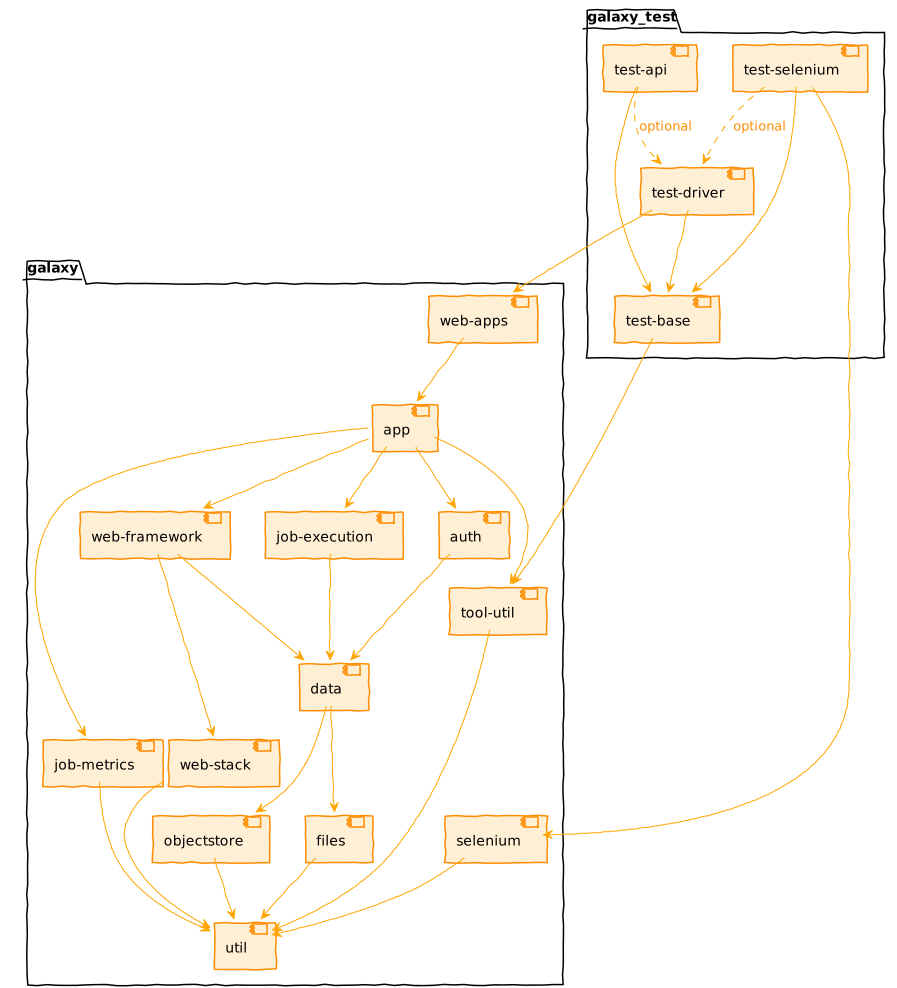
class: center
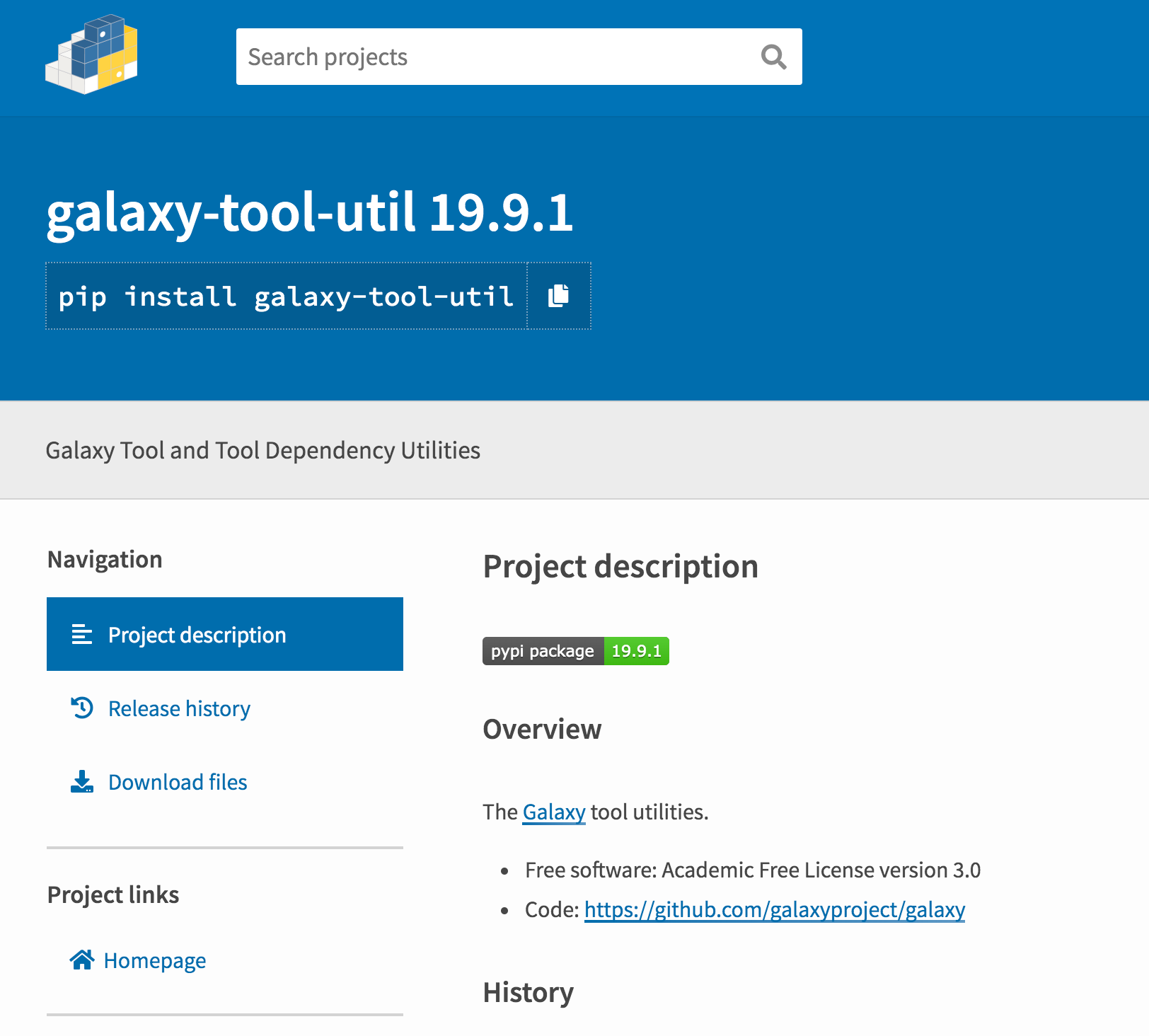
PyPI
class: center

| .footnote[Previous: Galaxy Architecture Principles | Next: Galaxy Web Frameworks] |
Key Points
- Project documentation in root (README, CONTRIBUTING, CODE_OF_CONDUCT)
- Code in `lib` (monolithic) and `packages` (modular)
- Tests in `test` and `lib/galaxy_test`
- CI configuration in `.github`
- Packages are published to PyPI
Thank you!
This material is the result of a collaborative work. Thanks to the Galaxy Training Network and all the contributors! Tutorial Content is licensed under
Creative Commons Attribution 4.0 International License.
Tutorial Content is licensed under
Creative Commons Attribution 4.0 International License.